

Start with your
existing website.
Import the site you already have. The wizard brings it onto Stack48 so you can keep shaping it from there.
Do not start from scratch if you do not have to.
Sites on Stack48 can start two ways: from a description, or from a site you already have. If you already paid for pages, copy, and a domain, bring that site across. Then keep editing it on a real backend.
Point at the site you have
Open the import wizard and give Stack48 the website you already run. You do not start from a blank brief.
The wizard brings it across
An in-house import wizard moves that site onto Stack48 so you can keep working on it there.
Keep shaping it live
Tell Stack48 what to change, or point-and-click on the page. The site stays live. The backend is real.
marloweandfern.com
Existing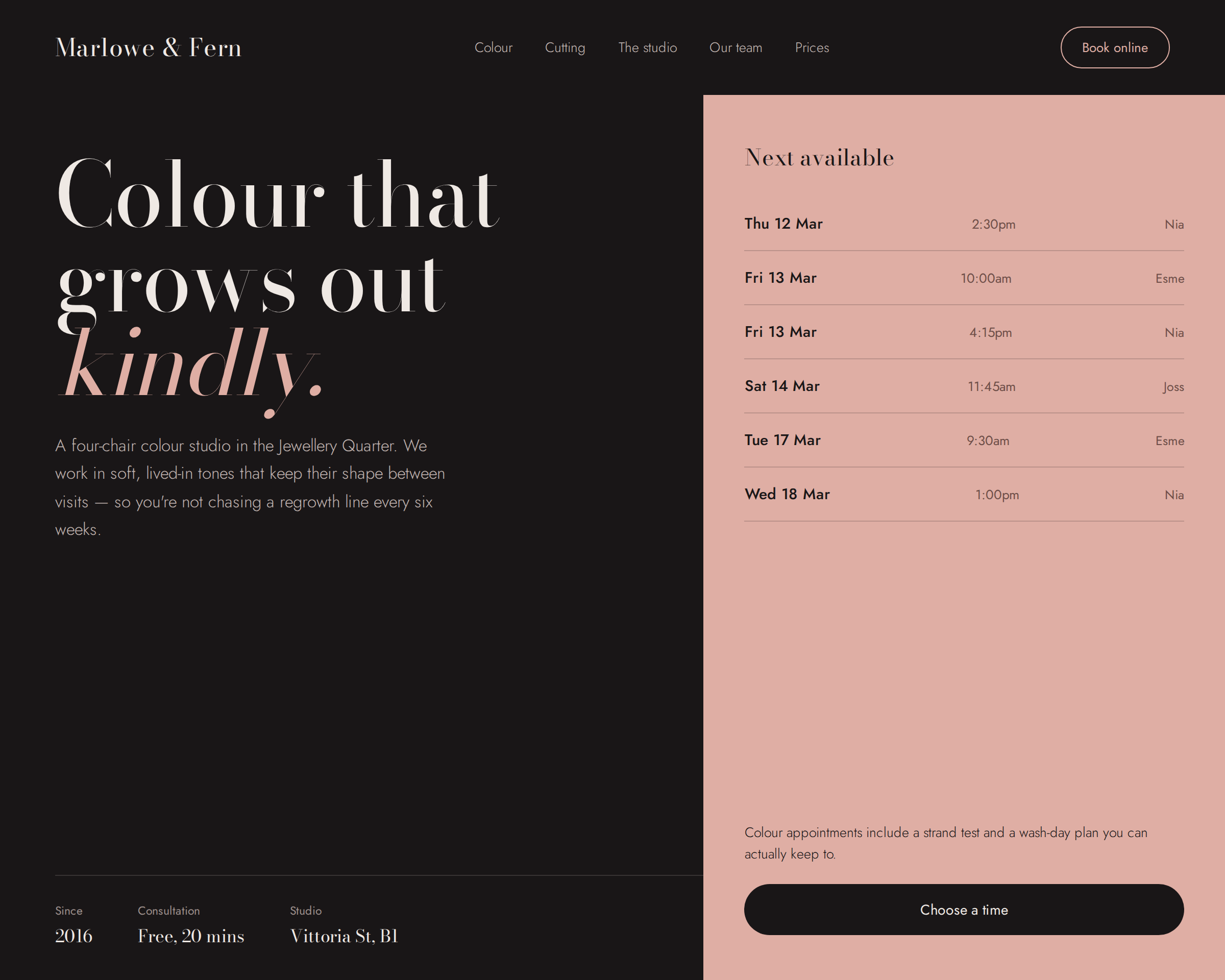
Existing site
marloweandfern.com
The site you already have. The wizard starts here.
Your site, on a platform you can keep using.
The import wizard is the in-house path for an existing website. Once it is on Stack48, you get the same live editing and the same backend as a site generated from a brief.
- You already have a site. You do not have to throw it away to switch platform.
- The import wizard is built for this. It is one of the two ways every Stack48 site can start.
- After import, editing is the same as a generated site: chat, or click what you see.